 ThreadCAD
Logo to stitches
Pick a logo or picture. ThreadCAD reduces the colours, traces the shapes and fills them, ready to edit.
ThreadCAD digitizes logos, drawings and lettering into embroidery designs you can edit object by object, then exports the file your machine reads: DST, PES, JEF, EXP, VP3, PEC or XXX.
Free to use. No account, no sign-up. Coming soon to Google Play and the App Store.
Features
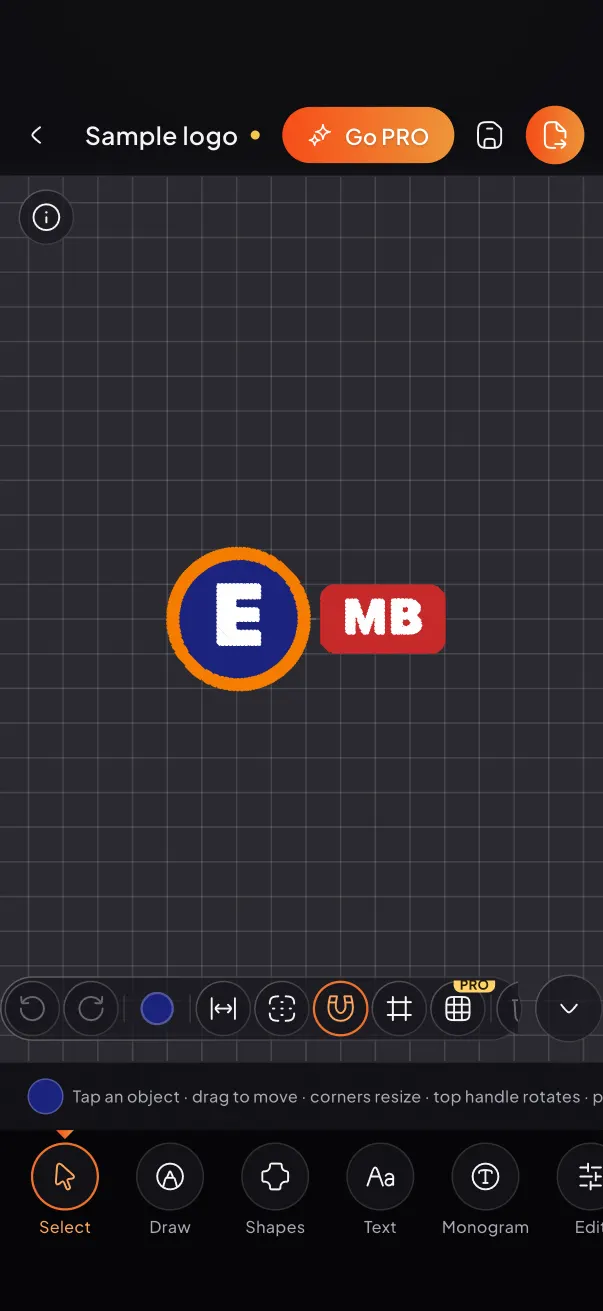
Designs are built from objects, the way desktop digitizing software works: change a size or a stitch type and the stitches are rebuilt with the right density.
Pick a logo or picture. ThreadCAD reduces the colours, traces the shapes and fills them, ready to edit.
Draw with your finger or a stylus. Satin columns, running stitch, bean stitch and tatami fills, each with its own settings.
Names, team text and classic monograms with arcs, spacing and satin width tuned for small letters.
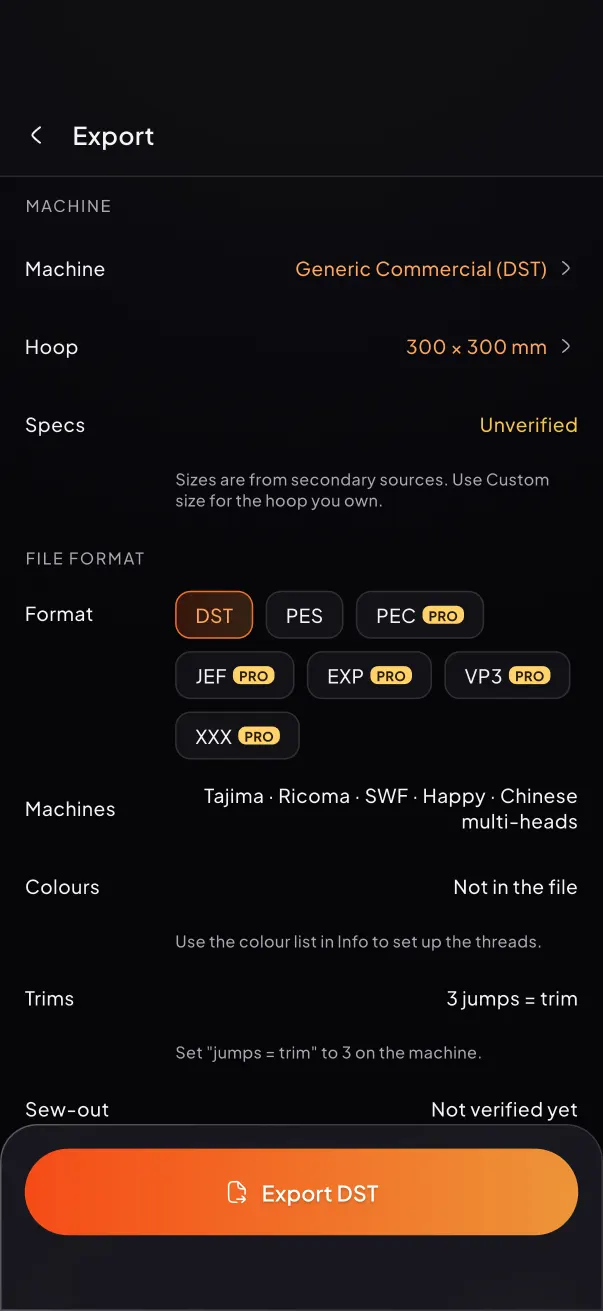
Choose your machine and hoop. Size and file-limit checks warn you before you export, and big designs split into hoopings.
T-shirt knit, piqué, denim, towel, caps, fleece and more adjust pull compensation, underlay and density for you.
Stitch count, run time, trims and colour changes, plus a stitch-by-stitch preview and a quote for the job.
How it works
Import a logo or a photo from your gallery, open a DST or PES file, or draw from scratch.
Change stitch types, colours, sizes and order. Add lettering. The hoop and density checks keep it sewable.
Pick the format, read the checks, and save the file. Copy it to USB or your machine's transfer app.
Made for real jobs
ThreadCAD is built for the work small shops and home embroiderers do every day.
Machine formats
Every file is read back and checked before it is saved. DST and PES are free; PRO unlocks the rest.
Pricing
Everything to make and sew a design.
All of ThreadCAD, cancel any time.
Everything in PRO, paid once.
Prices in US dollars; your store shows the price in your currency. Subscriptions renew automatically until cancelled in your Google Play or App Store settings.
FAQ
ThreadCAD writes DST (Tajima and most commercial machines), PES and PEC (Brother, Baby Lock), JEF (Janome), EXP (Melco, Bernina), VP3 (Husqvarna Viking, Pfaff) and XXX (Singer). Pick your machine and hoop in the app and it checks the size and the file limits it knows for that machine.
Yes. The free version includes the drawing and editing tools, logo to stitches, up to 3 projects and DST and PES export. ThreadCAD PRO adds all formats, lettering, smart cut-out and more, for $9.99 a month or $99.99 once.
No. There is no sign-up. Your projects are saved on your phone.
Every file is read back and checked against your machine and hoop before it is saved. Fabric, stabiliser and thread all change how a design sews, so always test-sew on scrap fabric before a production run.
Save or share the file from the app, then copy it to a USB stick or your machine's transfer app the way your machine expects. A design that needs several hoopings is saved as one ZIP with a file per hooping.
ThreadCAD is coming soon to Google Play and the App Store.